

Mailchimp alternative for waitlists
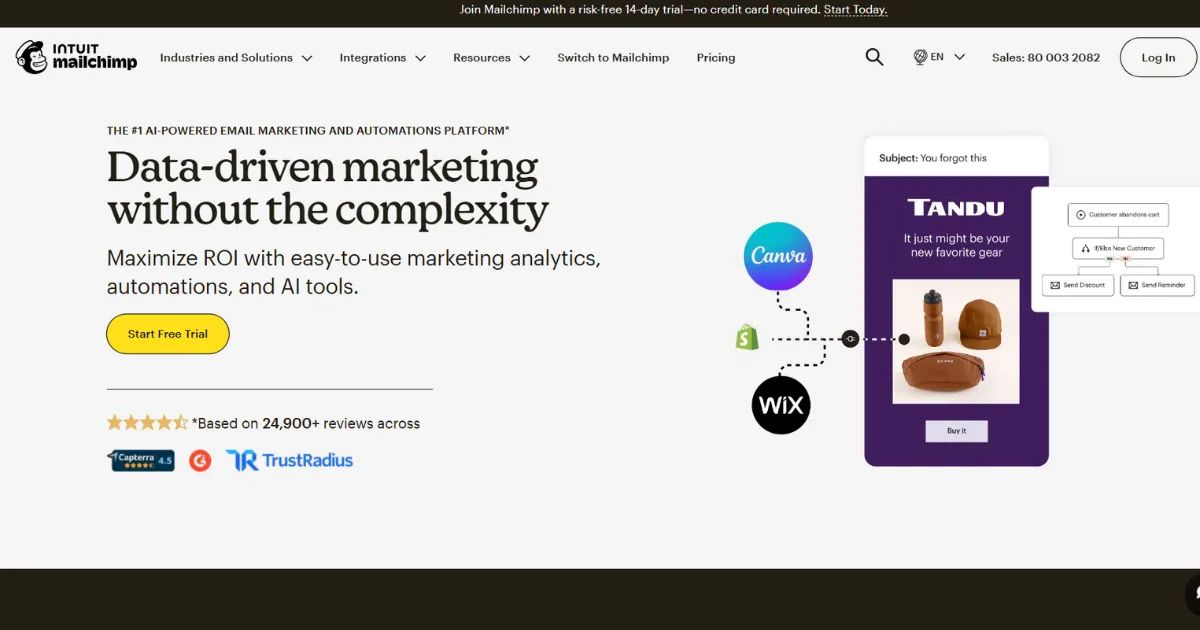
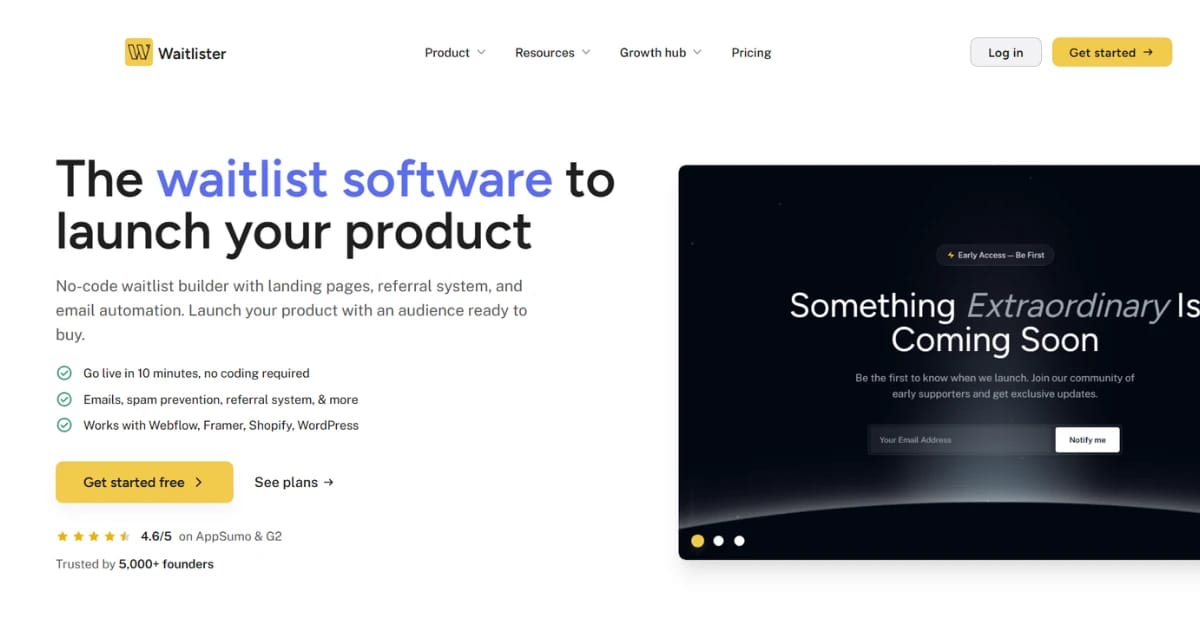
Mailchimp is great for post-launch email marketing, but it was never built for pre-launch waitlists. Waitlister is — with position tracking, referral leaderboards, and flat pricing from $19/month. Use both: Waitlister for the waitlist, Mailchimp for the newsletter after you launch.
10,000+ founders build on Waitlister















Which one should you pick?
Waitlister and Mailchimp aren't really competitors — they solve different problems. The best answer is often to use both. Here's when each one fits.
- —You're running a pre-launch waitlist — not an ongoing newsletter
- —You want a referral leaderboard with position tracking built in
- —You want flat pricing with unlimited subscribers instead of per-contact billing
- —You don't want to pay for unsubscribed contacts
- —You want a waitlist-optimized landing page, not a generic marketing page
- —You're sending newsletters, nurture sequences, or transactional email — not running a waitlist
- —You're on an ecommerce platform and want product recommendations, abandoned-cart flows, and predictive segmentation
- —You need advanced multi-step automations with branching logic
- —You want SMS, postcards, or retargeting ads in the same tool
- —You already have thousands of subscribers and want deep segmentation, A/B testing, and send-time optimization
The honest answer for most founders: use both. Run your pre-launch waitlist on Waitlister (referrals, position tracking, flat pricing). When you launch, pipe subscribers into Mailchimp via webhook and run your ongoing newsletter there.
Is there a cheaper way to run a waitlist than Mailchimp?
Yes — Waitlister. Mailchimp's pricing scales with your contact count, so a successful waitlist gets expensive fast. Waitlister is flat: unlimited subscribers from $19/month.
Mailchimp charges per contact, and unsubscribed contacts keep counting toward your limit until you manually archive them. Waitlister includes unlimited subscribers on every paid plan and never charges for inactive contacts.
Get started for free
Start building your waitlist with Waitlister and get the most out of your pre-launch campaign
Do not sleep on this tool. I can have a CTA page up in 10-15 mins that captures activity and can send welcome emails and encourage others to share via a soft referral system.
Mailchimp vs Waitlister
Side-by-side comparison for running a pre-launch waitlist specifically. Mailchimp has more features overall; Waitlister has the right features for this job.
| Feature |  |  |
|---|---|---|
| Monthly price | $49/mo Growth plan | $20/mo Standard (500 contacts) |
| Subscriber limit | Unlimited Flat rate | 500 contacts $100/mo at 5k, $135/mo at 10k |
| Pricing model | Flat No per-contact fees | Per-contact Scales fast |
| Charges for unsubscribes | No Never | Yes Until manually archived |
| Waitlist position tracking | Included | Not a waitlist tool |
| Referral leaderboard | Point-based leaderboard | Not available |
| Fingerprint fraud detection | Blocks self-referrals | N/A |
| Landing page builder | Waitlist builder Drag & drop | Generic builder Marketing pages |
| AI page builder | 40 credits/mo | Intuit Assist beta |
| Email broadcasts | 10,000 emails/mo | 6,000 emails/mo |
| Multi-step automations | Pair with Mailchimp | 200 journey points |
| Translations (30+ langs) | 30+ languages | DIY |
| Double opt-in | Included | Included |
| API + webhooks | Full REST API | Full API |
| Custom domain | 3 domains SSL included | Not included Websites plan needed |
Why Waitlister wins
for pre-launch waitlists
Mailchimp is a full email marketing platform. Waitlister is purpose-built for one specific job — and has features Mailchimp doesn't offer at any tier.
Position tracking + leaderboard
Every subscriber gets a waitlist position, visible on their referral page. Mailchimp has no concept of "position" — you'd have to build it yourself with tags and merge fields, and it still wouldn't display back to the subscriber.
Viral referral system
Point-based referrals with device-fingerprint fraud detection. Every subscriber gets a unique referral link, points for each referral, and a position boost on the leaderboard. Mailchimp has no referral feature — you'd need a third-party tool on top.
Flat pricing, not per-contact
Unlimited subscribers on every Waitlister paid plan. Mailchimp charges by contact count, so a 10,000-subscriber waitlist is $110+/mo on Essentials vs $19/mo on Waitlister Launch.
No charges for unsubscribes
Mailchimp counts unsubscribed contacts toward your plan limit until you manually archive them — a well-known billing gotcha. Waitlister never charges for contacts who've left.
Waitlist-optimized landing pages
Templates and components built around waitlist conversion — hero, referral CTA, position display, thank-you page. Plus an AI page builder that drafts a full page from one line. Mailchimp's landing pages are generic marketing pages.
30+ languages, built in
Waitlist UI, confirmation emails, and referral pages ship translated out of the box. Mailchimp supports multi-language campaigns but you translate everything yourself.
Native plugins for your stack
Native plugins for Framer, Webflow, WordPress, Shopify, Wix, Carrd, Bubble, Squarespace, and Ghost. SDKs for Next.js, React, and Vue.
UTM tracking + subscriber tags
See which Twitter thread, subreddit, or newsletter actually drove signups. Mailchimp has tags but you configure attribution manually — no automatic UTM capture on signup.
Webhook to Mailchimp on launch
When you launch, fire a webhook from Waitlister to your Mailchimp audience and keep using Mailchimp for ongoing email marketing. You don't have to pick — the two work well together.
How to run a waitlist alongside Mailchimp
You don't need to leave Mailchimp. Add Waitlister for the pre-launch phase, keep Mailchimp for ongoing email marketing. Most founders set this up in under an hour.
- 1
Create your Waitlister account
Sign up free at waitlister.me/sign-up. No credit card required.
- 2
Build your waitlist landing page
Use the drag-and-drop editor or the AI page builder to generate a page from a short description. Host on a Waitlister subdomain or your own domain.
- 3
Swap your Mailchimp signup form
If you had a Mailchimp embedded form collecting waitlist signups, replace it with Waitlister's embed or install the native plugin for your platform. Existing Mailchimp contacts stay put — you're just redirecting new waitlist signups.
- 4
Set up the webhook to Mailchimp
On Waitlister Growth ($49/mo), add a webhook pointing at Mailchimp's API so every new waitlist subscriber lands in your Mailchimp audience automatically. Use a Zapier or Make recipe if you prefer no-code.
- 5
Configure referrals and welcome emails
Enable the referral program, set up a welcome email in Waitlister, and let your subscribers start referring. The defaults are sensible if you want to skip ahead.
- 6
On launch day, hand off to Mailchimp
When you launch, send your "you're in" email from Waitlister, then let Mailchimp take over for onboarding sequences, newsletters, and post-launch marketing. Both systems already have the subscribers.
Mailchimp alternative — common questions
For pre-launch waitlists specifically, Waitlister is the most popular alternative. It's purpose-built for waitlists with position tracking, referral leaderboards, device-fingerprint fraud detection, 30+ translations, and flat pricing from $19/month.
Mailchimp isn't really a competitor here — it's a general email marketing platform. Most founders end up using both: Waitlister for the waitlist, Mailchimp for post-launch email marketing.
Technically yes, but you'll hit limitations fast. Mailchimp can collect emails through a signup form and send welcome emails, but it has no waitlist-specific features: • No waitlist position shown to subscribers • No referral system or leaderboard • No referral fraud detection • Per-contact billing that grows with your list • Unsubscribed contacts still count toward your limit If all you need is an email signup form, Mailchimp works. If you want a real waitlist with referrals, you'll need a purpose-built tool like Waitlister. On every plan, including Free, Waitlister's thank-you page shows each new subscriber their waitlist position and a personal share link by default. The Launch plan ($19/mo) adds referral points and a leaderboard.
Yes. Mailchimp charges per contact — a 2,500-subscriber waitlist costs around $60/mo on Standard, and a 10,000-subscriber list is ~$135/mo. Waitlister is flat: $19/mo (Launch), $49/mo (Growth), $129/mo (Business) with unlimited subscribers at every paid tier. And Waitlister doesn't charge for unsubscribed contacts, unlike Mailchimp which keeps counting them until you manually archive.
Yes — this is what most founders actually do. Run your pre-launch waitlist on Waitlister (position tracking, referrals, flat pricing), then sync new subscribers to your Mailchimp audience via webhook on Growth plan ($49/mo) or a Zapier/Make flow.
When you launch, Mailchimp takes over for onboarding sequences and ongoing newsletters. Both systems already have the subscribers, so there's no handoff pain.
No. Mailchimp has no native referral system, waitlist position tracking, or leaderboard. You'd need a separate waitlist tool on top of Mailchimp to add those features.
Waitlister includes a point-based referral leaderboard with device-fingerprint fraud detection on the Launch plan ($19/mo) and above.
Yes. Subscribed, unsubscribed, and non-subscribed contacts all count toward your plan's contact limit until you manually archive them. If you don't regularly clean your list, you end up paying for people who've already left — independent pricing analyses note this can inflate bills by 10–20%. Waitlister never charges for unsubscribed contacts. Every paid plan includes unlimited subscribers at a flat rate.
Most founders don't fully migrate — they run both in parallel. If you do want to move a waitlist over: export your Mailchimp audience as CSV, create a free Waitlister account, build your landing page with the drag-and-drop or AI builder, bulk import the CSV on Growth plan ($49/mo), and swap the Mailchimp signup form on your site for Waitlister's embed or native plugin. Optional: set up a webhook from Waitlister to keep Mailchimp in sync for your future newsletter.
For pre-launch specifically, Waitlister. Position tracking, referral leaderboards, waitlist-optimized landing pages, flat pricing — all purpose-built for the job. For post-launch email marketing, Mailchimp is genuinely better: multi-step automations with branching logic, predictive segmentation, send-time optimization, retargeting ads, SMS add-on, and deep ecommerce integrations. Use Waitlister to get to launch, then Mailchimp to grow after.
Get started for free
Start collecting sign ups for your
product launch in minutes — no coding required.