
Waitlist Templates for
Every Type of Launch
A waitlist (or waiting list) template is a ready-made pre-launch page: a headline, a short pitch and a signup form connected to your waitlist. Preview the designs below and pick one after you sign up. Swap in your own text and images, and publish it at your waitlister.me link. You can start free with 2 of these designs.
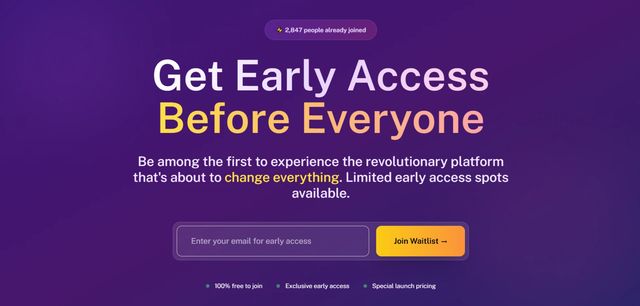
Bold SaaS Launch
High-impact design with social proof and compelling CTAs. Built to convert visitors into early adopters.
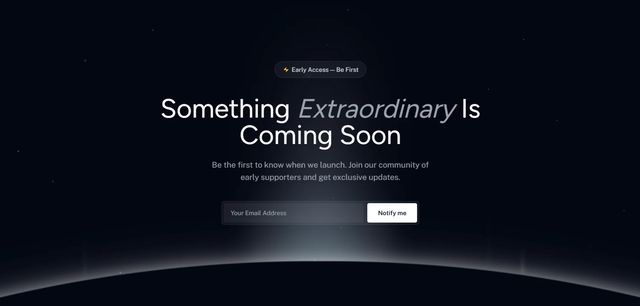
Minimal Elegance
Clean, sophisticated design with refined typography. Perfect for premium SaaS products.
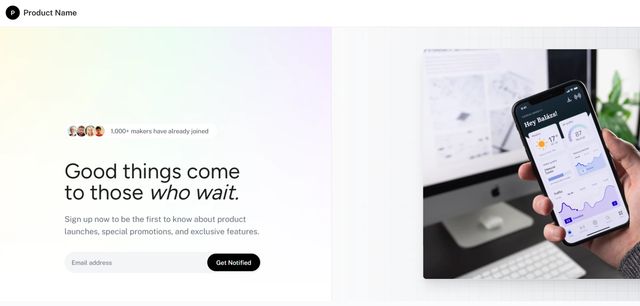
Clean Split Design
Balanced layout with floating UI elements. Modern approach to SaaS waitlists.
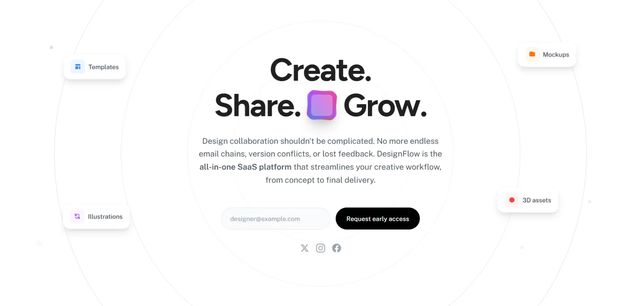
Circular Flow
Distinctive circular design elements. Stand out with this unique visual approach.
Mobile Apps
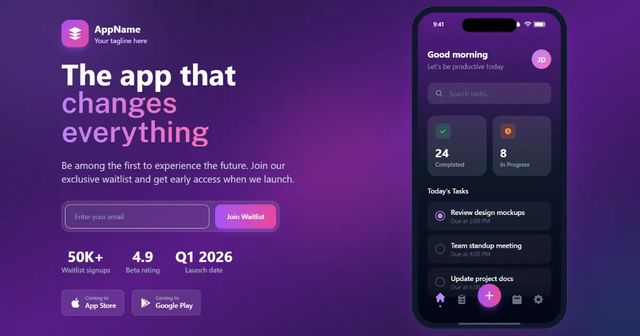
View all Mobile Apps templates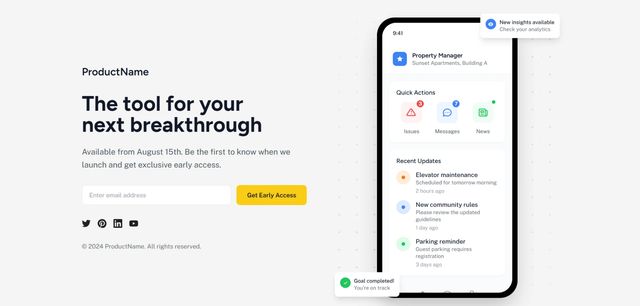
AI Tools
View all AI Tools templates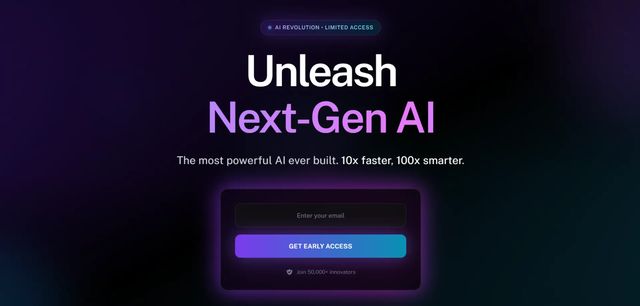
Neural AI Interface
Futuristic design with animated neural networks. Perfect for AI and ML product launches.
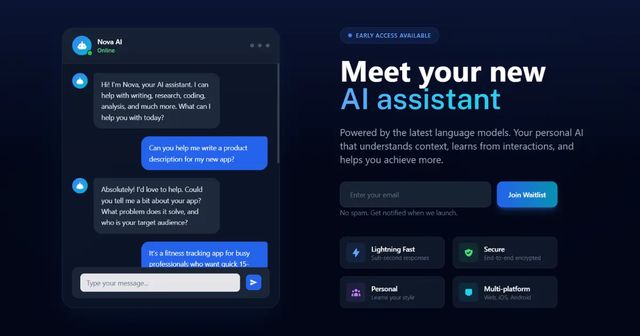
AI Assistant Launch
A sleek, modern AI assistant waitlist featuring a realistic chat interface with conversation flow. Perfect for AI chatbots, virtual assistants, and conversational AI products.
Crypto & Web3
View all Crypto & Web3 templates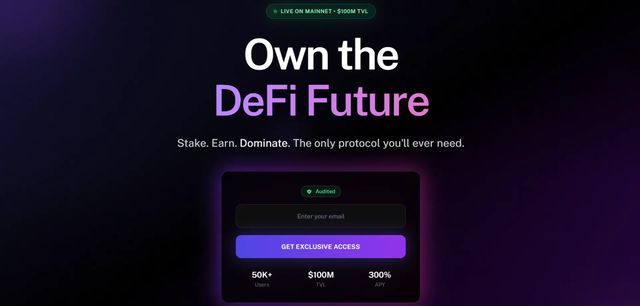
Events & Courses
View all Events & Courses templates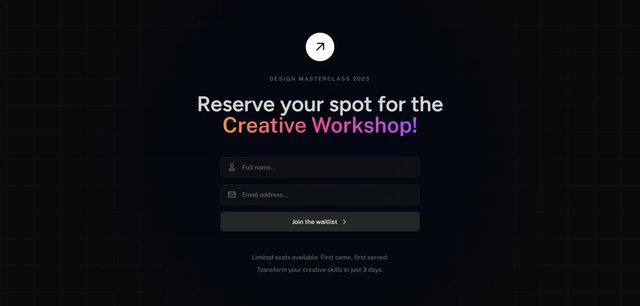
Dark Mode Workshop
Sleek dark theme for courses and workshops. Modern design that builds anticipation.
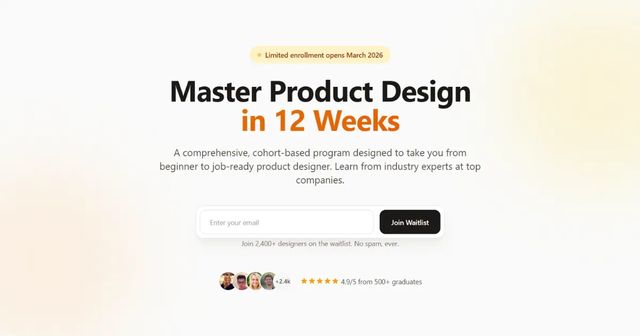
Premium Course Launch
An elegant, high-converting course waitlist featuring instructor credibility, curriculum preview, and social proof. Perfect for online courses, bootcamps, and educational programs.
Ecommerce
View all Ecommerce templates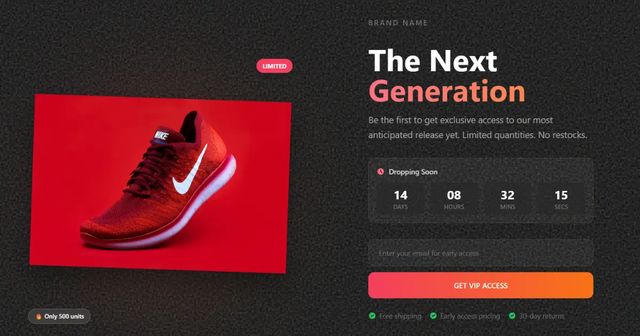
Every Waitlister template is a complete pre-launch page with a headline, a short pitch and a signup form connected to your waitlist. Depending on the design, you also get a product or phone mockup, a feature list or a course outline. All the text, images and sample numbers are placeholders for you to replace. Every layout adapts to mobile screens.
Sign up free and create a waitlist. In your waitlist dashboard, open Landing page, choose AI builder (in the "..." menu if your page is already live) and click "Browse templates". Pick a design and publish it. To change it, double-click any text to rewrite it, or select an image to replace it.
The page goes live at waitlister.me/p/your-product-name, and signups show up in your waitlist dashboard. The AI Page Builder docs walk through the editor.
You can start free with 2 of these templates, and the rest unlock from Launch. The free plan needs no credit card and covers 1 waitlist and up to 100 subscribers. Applying a template and editing it by hand don't use AI credits.
Yes, from the Pro plan, which includes one custom domain. On Free and Launch, the page lives at its waitlister.me link, which you can share anywhere or link to from your site.
You can also skip the landing page and embed a Waitlister signup form on a site you already have, on any plan, including Free.
Get started for free
Start collecting sign ups for your product launch in minutes — no coding required.
Get started