
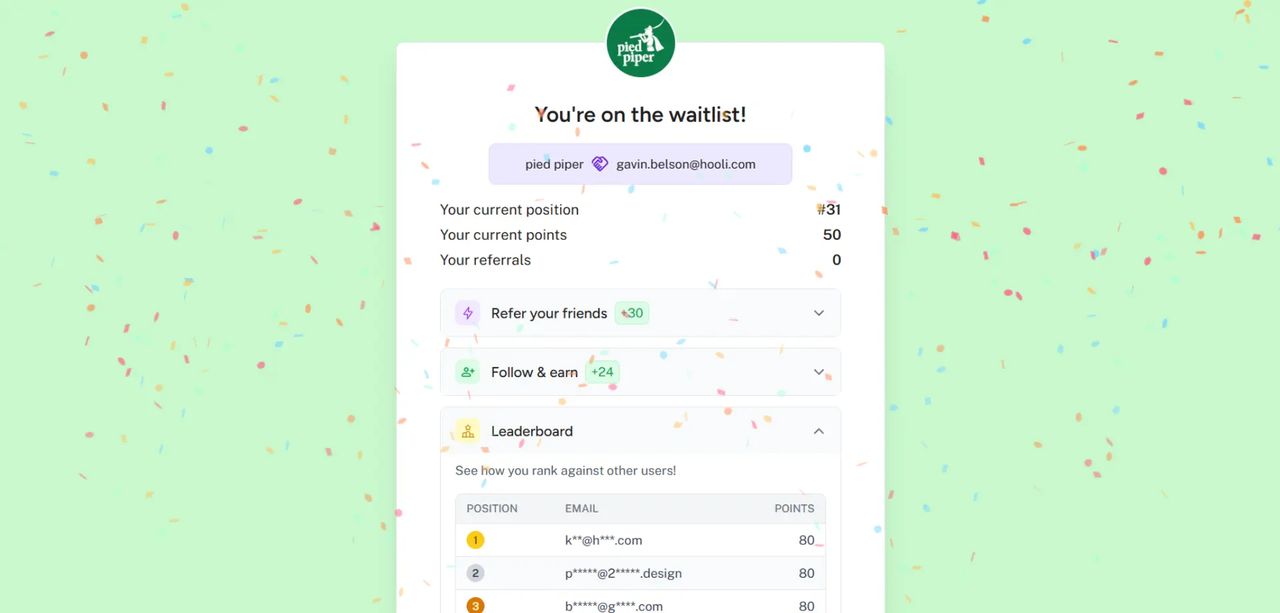
If you already have sign-ups from another platform, a previous campaign, or an email list, your Waitlister positions no longer have to start from #1. Position inflation lets you offset all public-facing numbers so they reflect the full picture.
What's Included
- Global offset — Set a single number that gets added to all subscriber-facing positions and counts
- Instant and retroactive — Change the value anytime, all subscribers see updated positions immediately
- Internal data stays real — Your dashboard, subscriber table, exports, and analytics are never affected
Where It Applies
The offset is applied across all subscriber-facing surfaces.
- Thank-you page position and leaderboard
- Social proof components on landing pages and forms
- Welcome and broadcast email template variables
- API responses (as a separate
inflated_positionfield) - Webhook payloads (as a separate
inflated_positionfield)
How to Set Up
- Go to your waitlist's Settings page
- Find the Position inflation section
- Enter your offset (e.g. 500 if you have 500 existing sign-ups elsewhere)
- Click Update
That's it. Set to 0 at any time to remove the offset.
See the Position Inflation documentation for full details.