
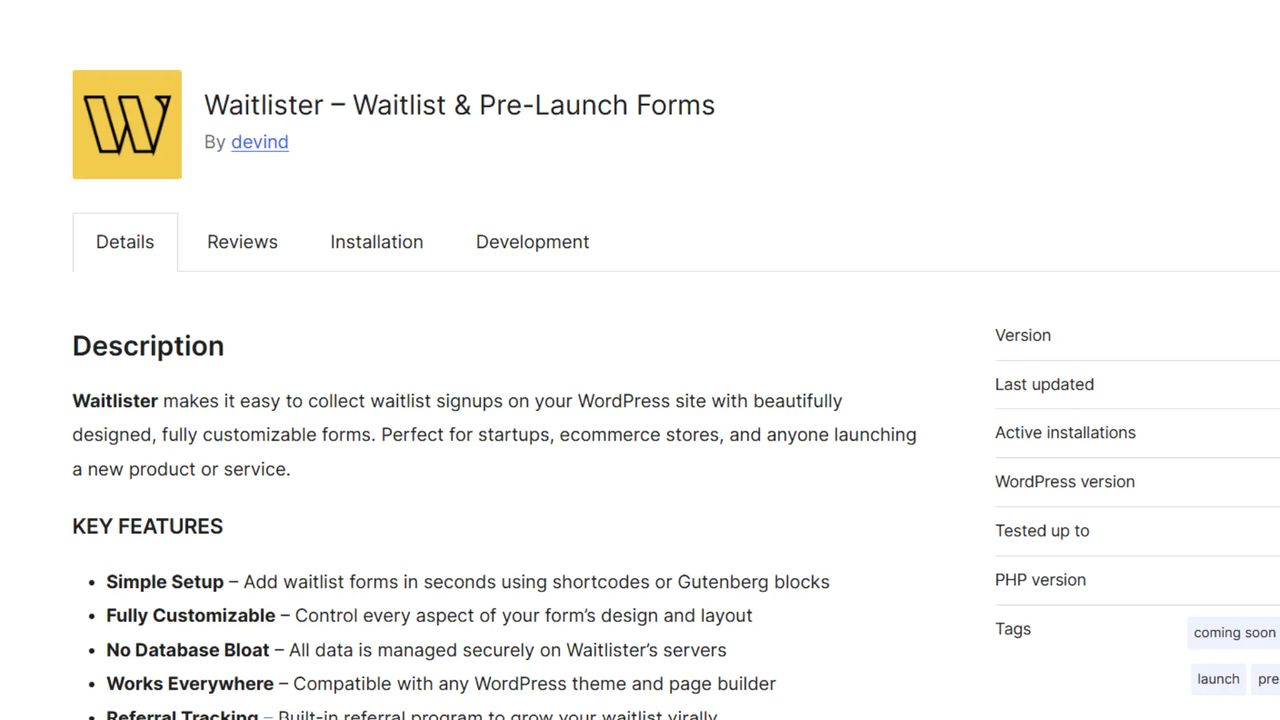
The official Waitlister WordPress plugin is now available on WordPress.org. Install directly from your WordPress dashboard and start collecting waitlist signups with a simple shortcode or native Gutenberg block.
View WordPress integration guide →
What's Included
Simple Installation
Install Waitlister like any WordPress plugin.
- WordPress.org Directory - Install directly from Plugins → Add New
- One-Click Activation - No complex setup or configuration
- Auto-Updates - Plugin updates automatically through WordPress
- 2-Minute Setup - Add your waitlist key and start collecting signups
Multiple Integration Methods
Choose how you want to add waitlist forms.
- Shortcode - Add
[waitlister]anywhere in posts, pages, or widgets - Gutenberg Block - Native "Waitlister Form" block in the editor
- Page Builder Support - Works with Elementor, Divi, Beaver Builder, WPBakery
How It Works
- Install - Search "Waitlister" in WordPress admin → Plugins → Add New
- Connect - Go to Settings → Waitlister and add your waitlist key
- Add Forms - Use
[waitlister]shortcode or Gutenberg block - Customize - Design your forms in the Waitlister dashboard
- Launch - Start collecting signups immediately
All form styling is managed in your Waitlister dashboard and syncs automatically to your WordPress site.